AI Audit Log
Updated Jul 21, 2026
AIAI Audit Log
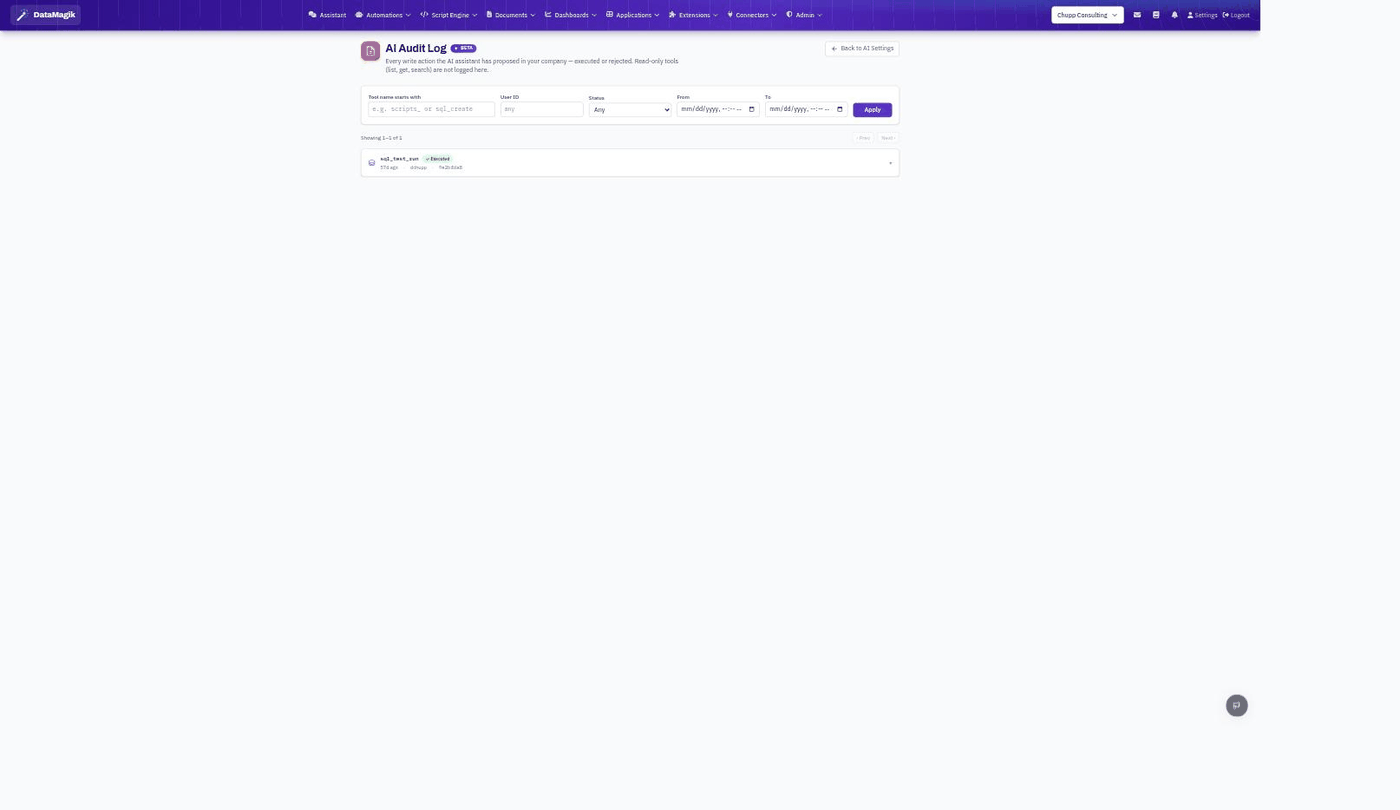
The AI Audit Log records every write action the AI assistant has proposed in your company — whether it was executed or rejected. It gives administrators an accountable trail of what the assistant changed, when, and on whose behalf.
What is logged
Each entry shows the tool the assistant called, the user the action ran for, a status (executed or rejected), and when it happened. Expand a row for the full detail.
Writes only. Read-only tools — the ones that just
list, get, or search data — are intentionally not logged here, so the audit trail stays
focused on actions that actually change something.
Filtering
Narrow the log with the filters at the top: Tool name starts with (for example
sql_ or scripts_), User ID, Status, and a
From / To date range. Click Apply to run the filter.
Related: Control which tools the assistant may call at
all in Managing AI Assistants; track token spend in
AI Token Usage. For a tenant-wide record of all changes (not just
AI), see Change History.