Running Published Apps
Updated Jul 21, 2026
DataMagik Application DesignerRunning Published Apps
You don't need to be a builder to use DataMagik apps. The Applications launcher is the catalog of everything your team has published — lookups, container moves, dashboards, label reprints, and more — organized so you can find and open the one you need.
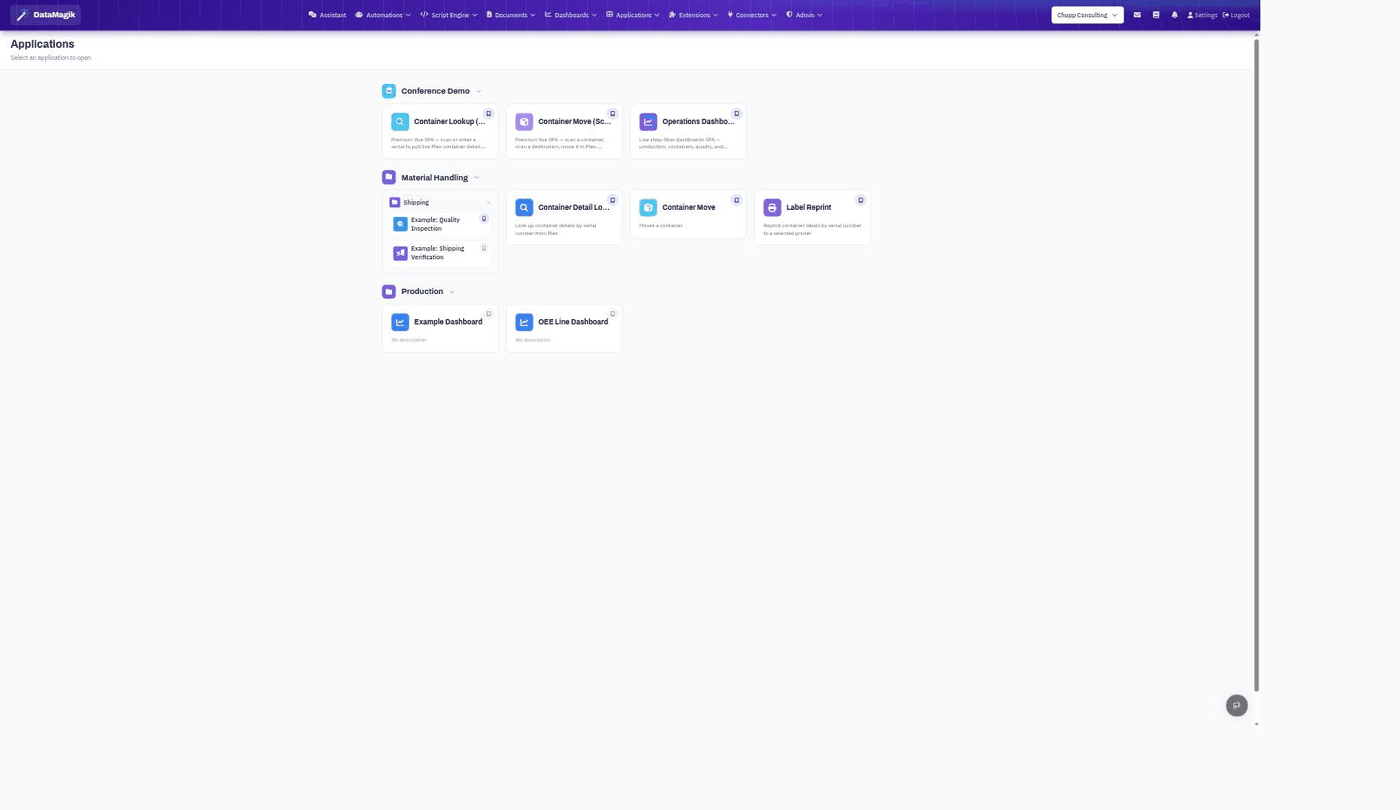
Opening an app
- Open Applications from the top navigation.
- Browse the categories and folders — each card shows the app's name and a short description.
- Click a card to launch the app.
You only see apps you have permission to run, so the launcher stays focused on what's relevant to you. Many of these same apps also appear inside Plex through the browser extension.
Related: Build and publish apps in the
Application Designer; control who can run each one
in Permissions & Access Control.