Print Jobs
Updated Jul 21, 2026
ConnectorsPrint Jobs
Monitor the print queue and review the history of every print job.
Open Connectors → Print Jobs to see what's printing across your sites and printers in real time, and to review completed and failed jobs.
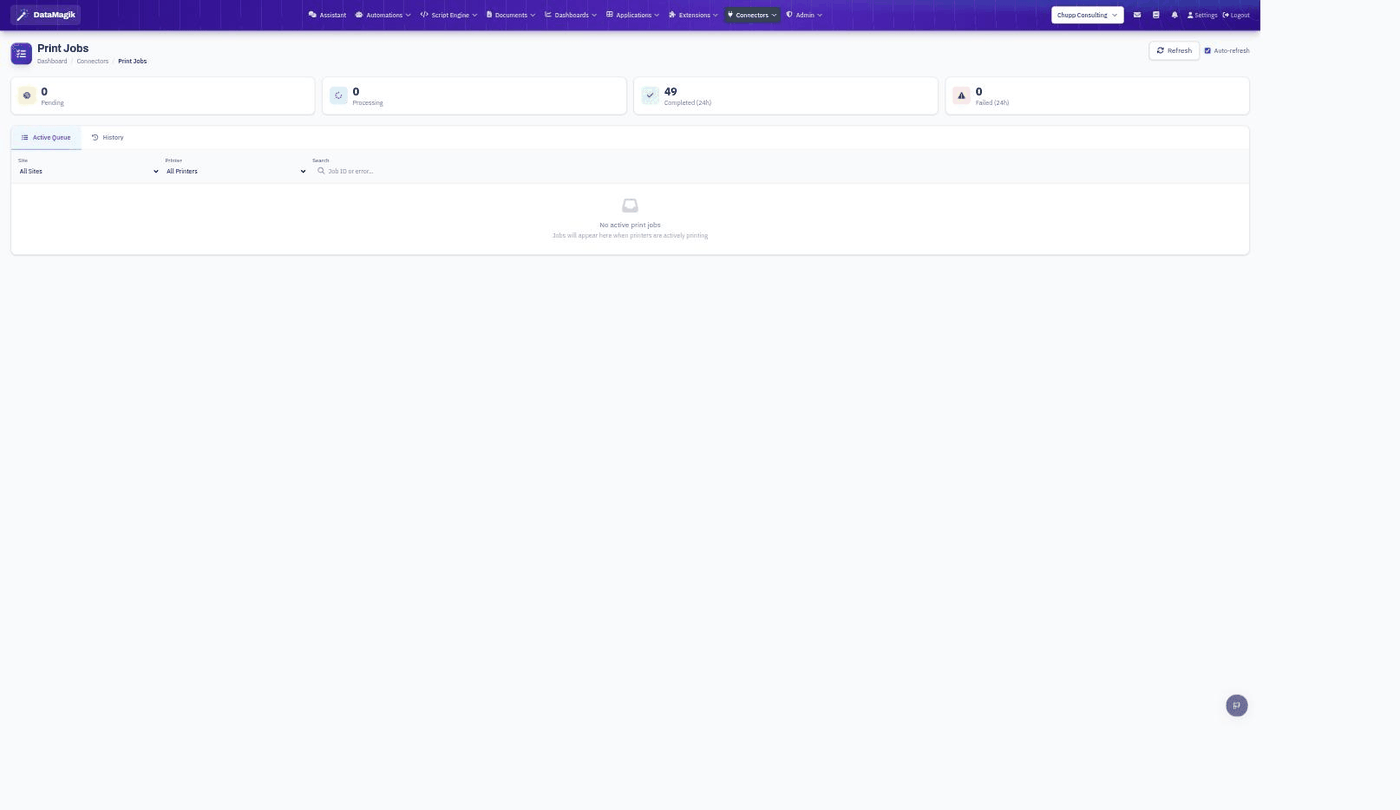
What you'll see
- Status cards — how many jobs are Pending, Processing, Completed (last 24 hours), and Failed (last 24 hours).
- Active Queue — jobs currently pending or processing, per printer.
- History — completed, failed, and cancelled jobs with duration, attempt count, and error details.
- Filter by Site and Printer, search by job ID or error, and toggle Auto-refresh.
Print jobs are produced when you print from scripts, automations, or the API — see the Printers guide for how jobs are queued, retried, and failed over between connectors.
Permissions: Viewing print jobs requires the Builder permission.