DmInput
Updated Aug 18, 2026
DataMagik Application DesignerDmInput
DmInput — text and the HTML5 types the App Designer viewer handles as one branch: email, tel, url, password, search.
When not to use it. For a number, use DmNumberInput — it grouping-formats and steps. For a choice from a known set, use DmSelect.
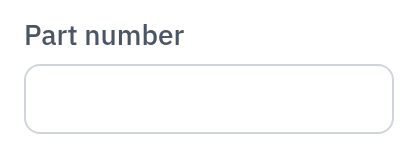
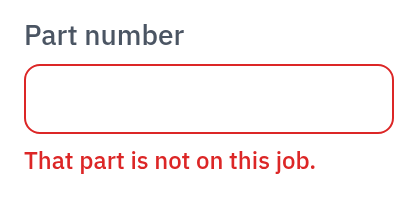
States
default

error
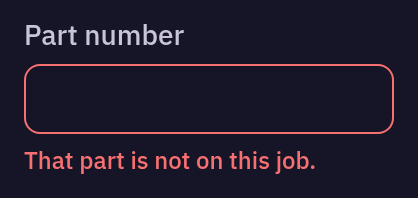
disabled
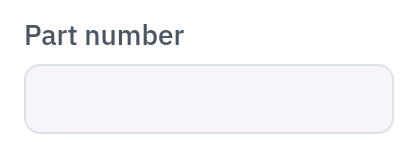

readonly
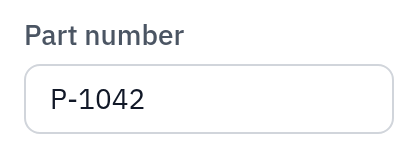

Example
<DmInput />Props
| Name | Type | Required | Default |
|---|---|---|---|
modelValue | string | null | '' | |
type | 'text' | 'email' | 'tel' | 'url' | 'password' | 'search' | 'text' | |
label | string | undefined | |
placeholder | string | undefined | |
help | string | undefined | |
error | string | undefined | |
id | string | undefined | |
name | string | undefined | |
required | boolean | false | |
disabled | boolean | false | |
readonly | boolean | false | |
autocomplete | string | undefined | |
maxlength | number | undefined | |
counter | boolean | false | |
clearable | boolean | false | |
icon | DmIconName | (string & {}) | undefined | |
prefix | string | undefined | |
suffix | string | undefined | |
labelHidden | boolean | false | |
autofocus | boolean | false |
Events
clear, enter, update:modelValue
Worth knowing
Read-only is not disabled. A read-only field is still focusable and copyable, which matters when an operator needs to read a part number off the screen.