Script Credentials & Allowed Domains
Script Credentials & Allowed Domains
Scripts often need a secret (an API key, a token, a username/password) and permission to call an
outside service. DataMagik keeps those two concerns separate and safe: Credentials
store secrets your scripts reference by name, and Allowed Domains is the allowlist of
hosts a script's fetch() is permitted to reach.
Credentials
Company-wide credentials are shared across all scripts in your company. Manage them under Script Engine > Credentials.
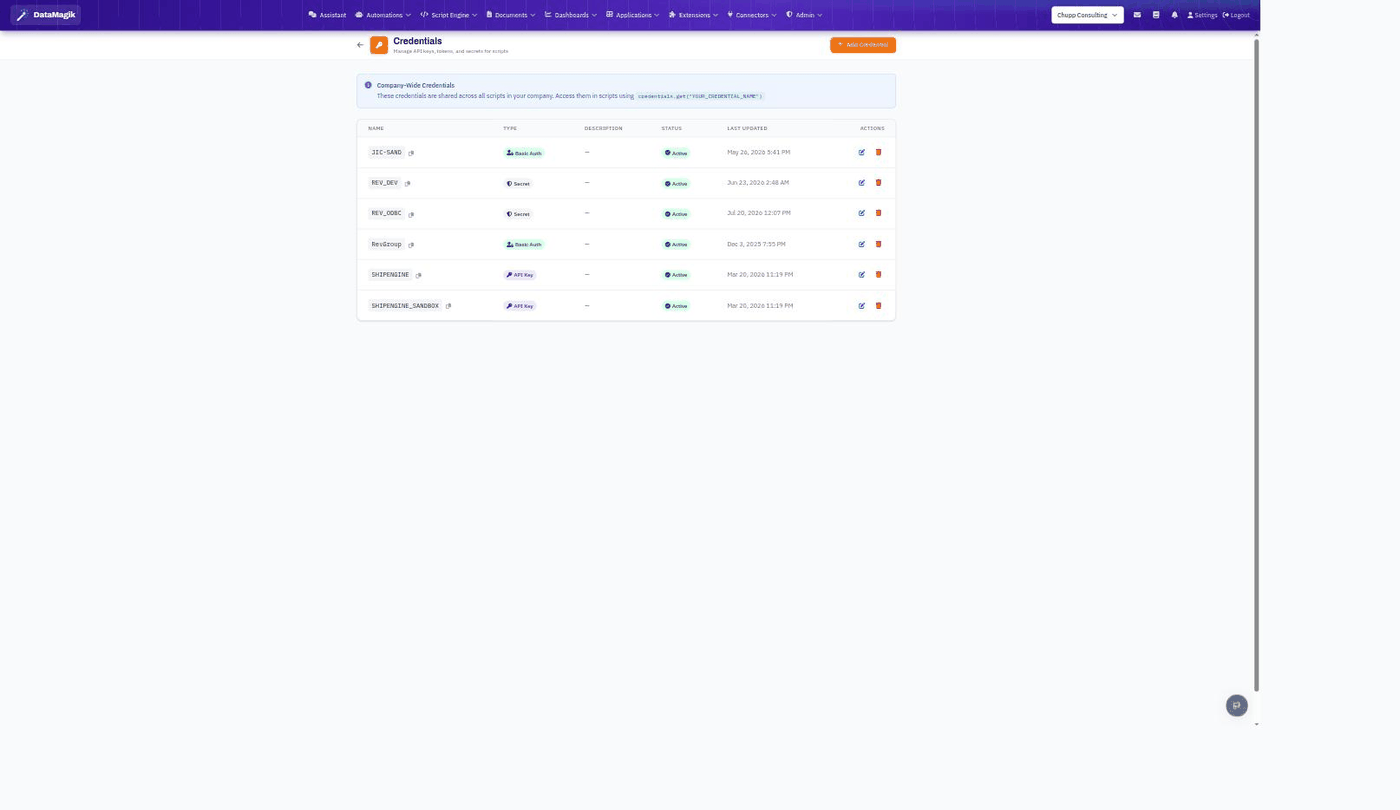
- Click Add Credential, give it a name, choose a type (Basic Auth, Secret, or API Key), and enter the value(s).
- Reference it in a script by name — the secret value is injected at run time and never exposed:
const key = credentials.get("SHIPENGINE"); // returns the stored secret at run timeAllowed Domains
For security, a script's fetch() can only reach hosts you've explicitly allowed.
Manage a script's allowlist from its Script Settings panel (the gear icon in the
editor), alongside the credentials that script uses.
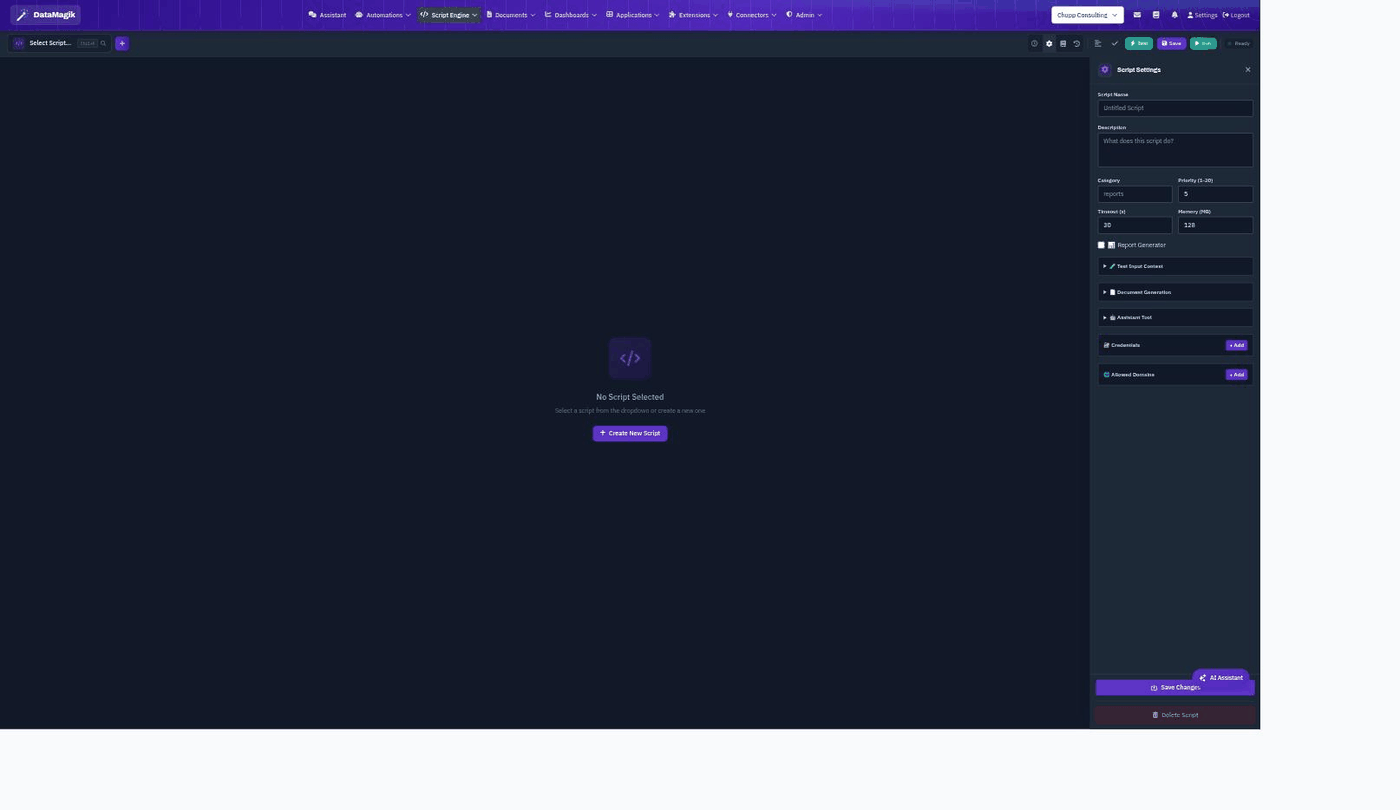
Open Script Settings, then use + Add under Allowed
Domains to whitelist each host the script calls (for example api.shipengine.com).
A fetch() to a host that isn't on the list is blocked.
credentials.get() and call the host with fetch(). Never hard-code a secret
in script source.plex.execute() (governed by Plex API Access) rather
than fetch().