Permission Manager
Updated Jul 21, 2026
Users, Roles & PermissionsPermission Manager
Manage the individual permissions that roles are built from.
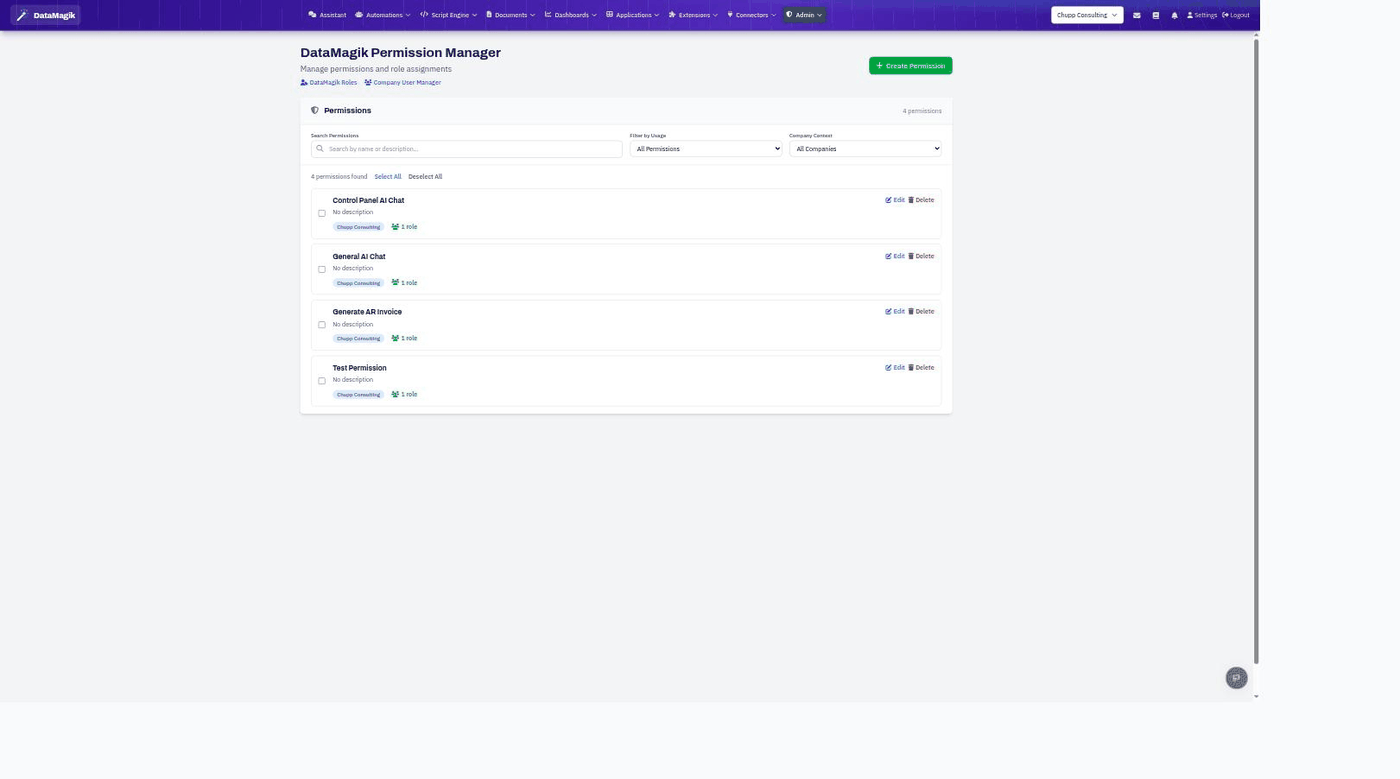
Open the Permission Manager. A permission is the smallest unit of access — it gates a specific app, dashboard, or feature. You group permissions into roles, then assign roles to users.
Working with permissions
- Each permission shows its name, description, company context, and how many roles use it.
- Search and filter by usage, then Edit or Delete a permission.
- Create Permission defines a new one — for example, to gate a specific app or dashboard to a subset of users.
How it fits together
Permissions are grouped into roles, which are assigned to users. Many app and dashboard settings let you require a specific permission, so only users whose role includes it can open them.
Permissions: Managing permissions requires the Security tier.